Personal safety · Built for the Philippines

Get help fast.
Stay safe anywhere.

SafePH is your personal safety and disaster-preparedness companion. Here's a guided walkthrough of every feature — and exactly how to use it.

12+

Features

100%

On-device data

₱0

Free & keyless APIs
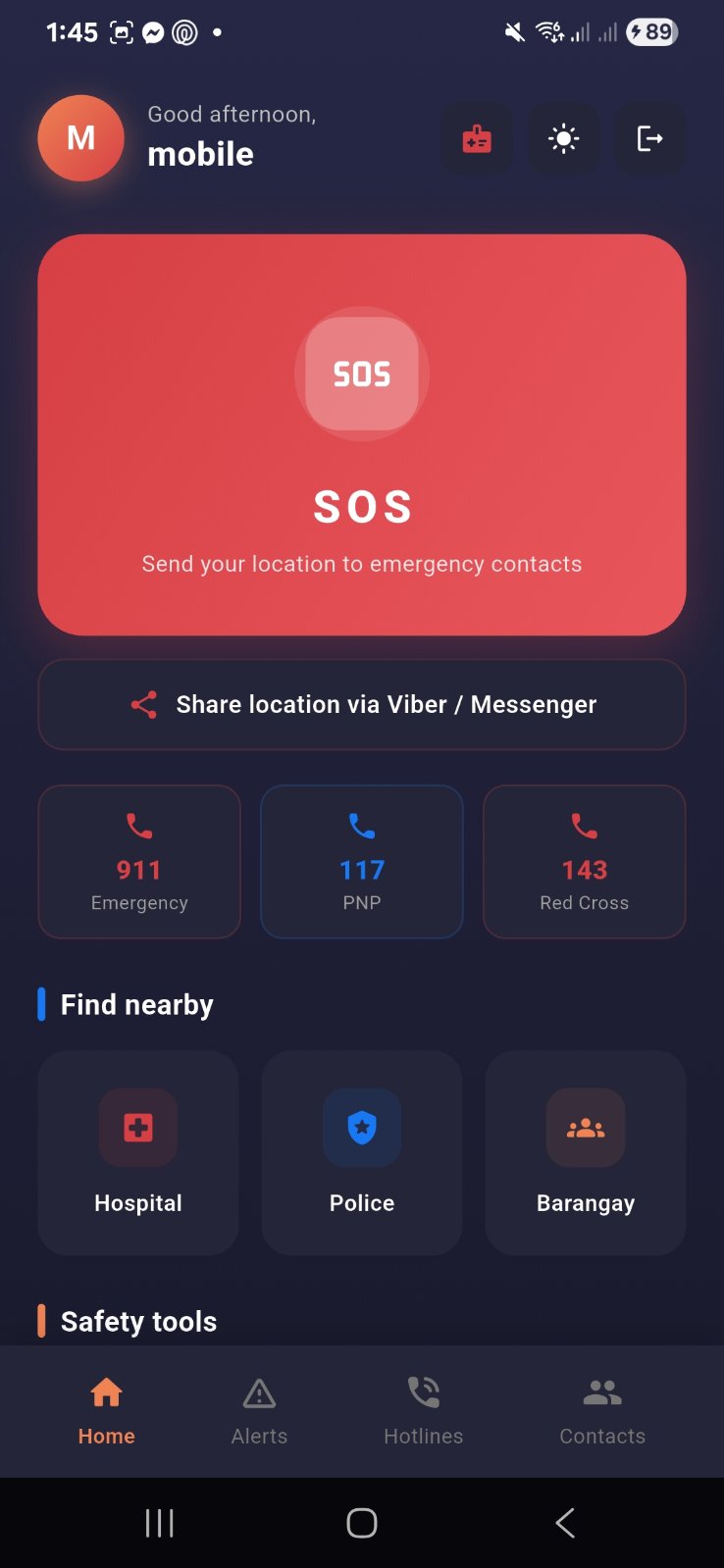
SafePH dashboard
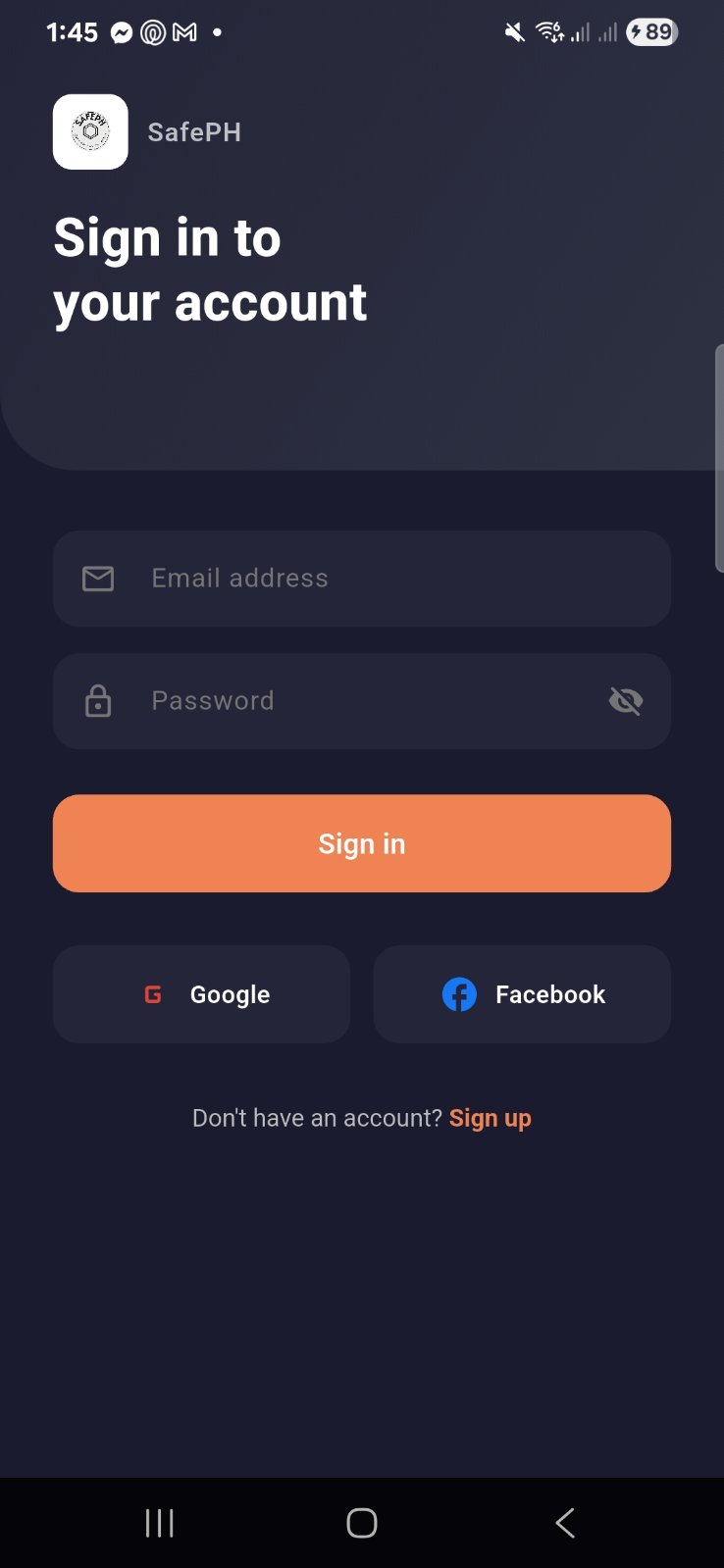
SafePH login

What's inside

Everything you need in an emergency

One app for calling help, staying informed, and handling the unexpected — even offline.

Step by step

A guided walkthrough

Follow along screen by screen to learn how SafePH works.

Under the hood

Private by design

SafePH keeps your personal data on your device. There's no backend server — everything is device-local or talks directly to free, keyless public APIs.

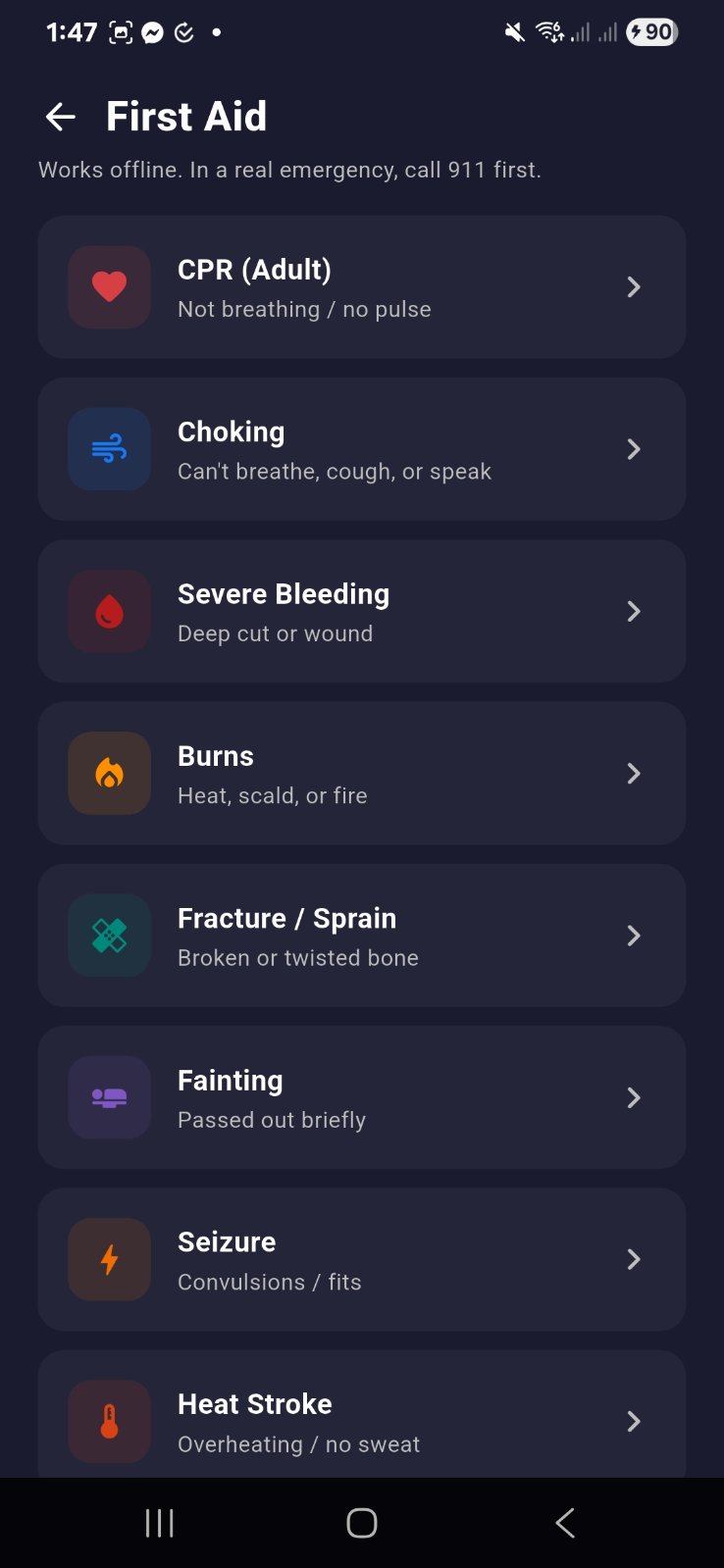
    First aid
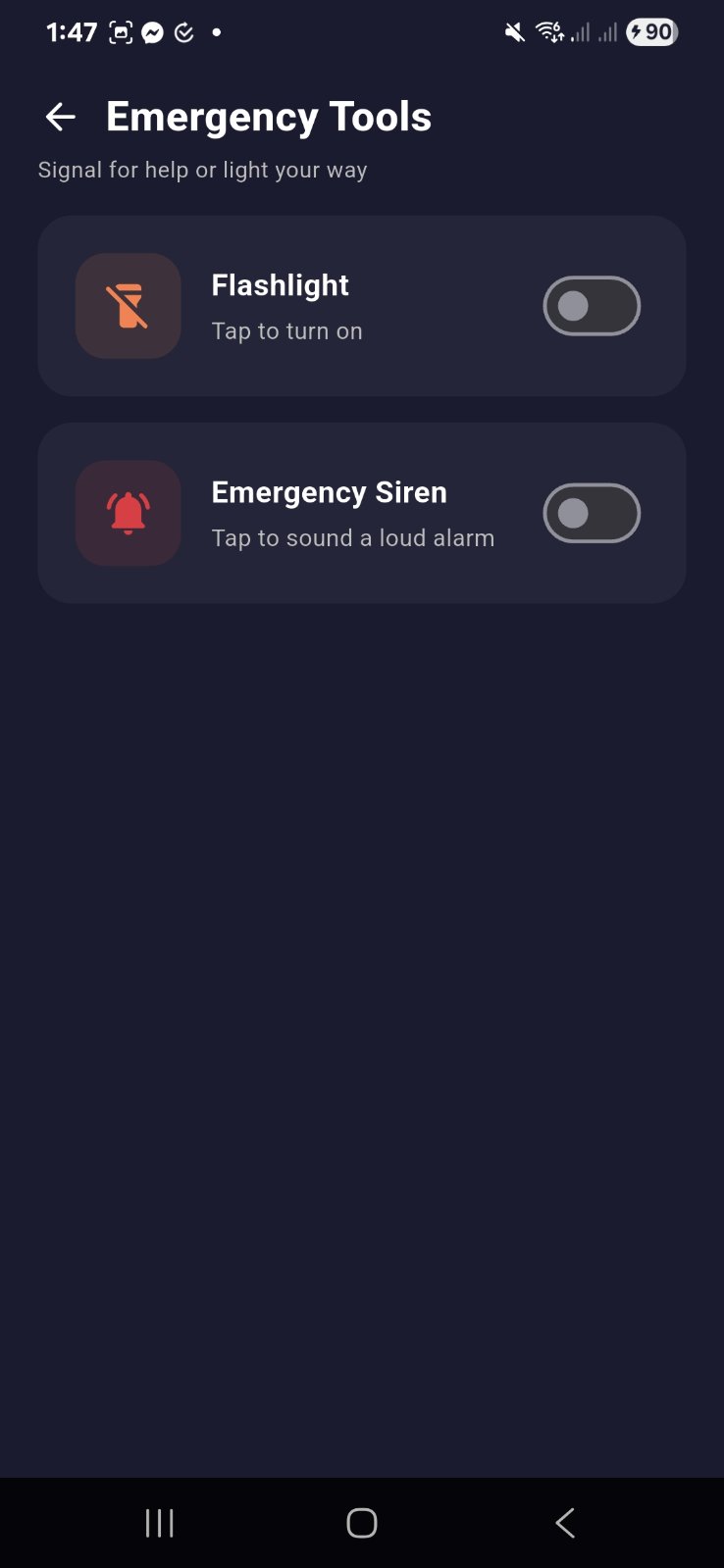
    Emergency tools

    Get the app

    Ready to stay safe?

    Download the SafePH Android app and set up your emergency contacts and Medical ID before you ever need them.

    Android only · v1.0.0 · Hosted on Google Drive

    1 How to install

    1. 1. Tap Download APK and save the file.
    2. 2. Open it — Android may ask to allow installs from this source.
    3. 3. Enable "Install unknown apps" for your browser, then tap Install.
    4. 4. Open SafePH and sign in while you have a connection.